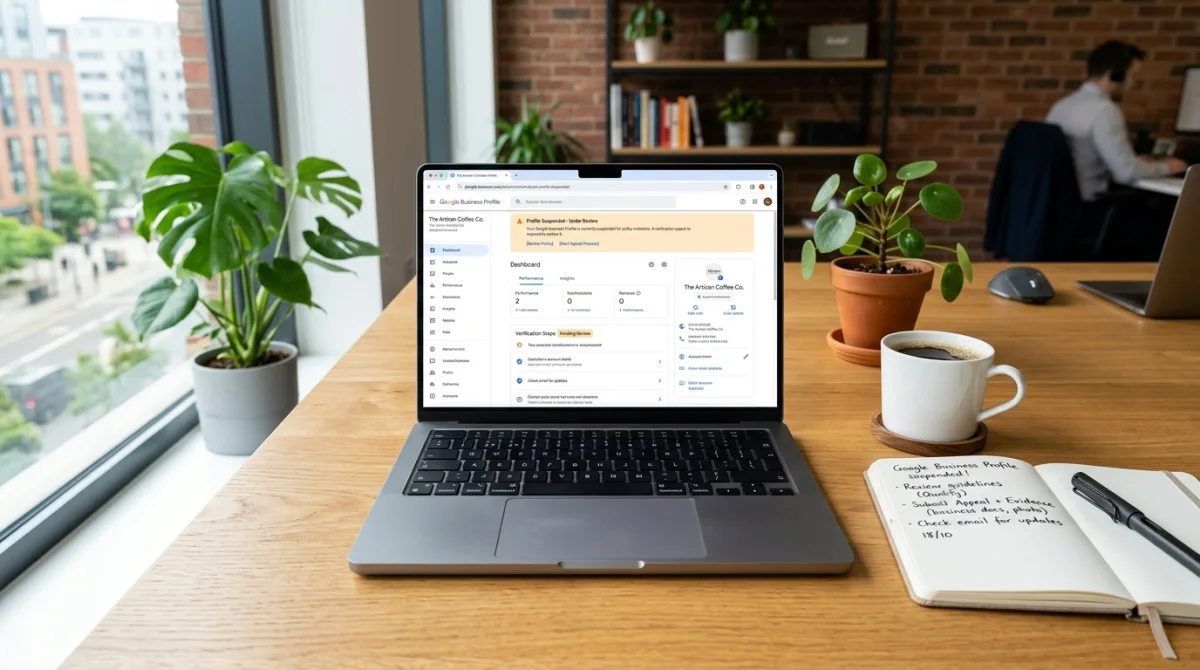
If the listing used to show and then disappeared, check the Business Profile dashboard before you rebuild anything. A suspension is different from “you never ranked.” Google already knew the business. It stopped trusting the listing.
This is one of the seven issues in why your business is not showing on Google Maps.
What usually triggers a suspension for trades
- Keyword stuffing the business name (“Best 24/7 Plumber City Name Cheap”).
- A virtual office, coworking mailbox, or P.O. box as the storefront when you do not serve customers there.
- Multiple listings for one shop (old name + new name + “owner’s cell” listing).
- A flood of reviews that look bought or from the same network.
- Using someone else’s address, or an address Google Street View shows as a house you do not operate from.
What to do first
- Read the notice in the profile. Fix the stated violation. Do not argue the weather.
- Set the name to the legal or publicly used trade name. Put keywords in the description and services, not the title.
- Confirm the address is where you actually operate, or switch to a service-area business if you have no customer-facing shop. See wrong pin and service area.
- Close or merge duplicate listings. Do not create a new profile “just in case.”
- Submit reinstatement from the same listing. One request, after the facts match.
Fixing a suspended Google Maps listing for plumbers
Plumbing is one of the categories Google watches closely, because fake “emergency plumber” listings are common. The usual triggers on a real plumbing company:
- “24/7,” “Emergency,” or a city name added to the business name.
- One listing per town you serve (“Smith Plumbing Rockville,” “Smith Plumbing Bethesda”) when there is only one shop.
- The address of a supply house, storage unit, or virtual office used as the storefront.
- A call-tracking number on the profile that does not appear anywhere else.
For the appeal, have your plumbing license, a utility bill or lease for the address, and photos of the branded truck and signage ready. Google may ask for a short video that shows the vehicle, the tools, and the business paperwork in one continuous take. Shoot it at the real address.
Fixing a suspended Google Maps listing for electricians
Electricians get suspended for the same name and address problems, plus a few of their own:
- “Licensed Electrician” or “Master Electrician” in the business name instead of the company name.
- A second listing at the same address for the generator, solar, or EV-charger side of the business. Google reads it as a duplicate.
- “Electric vehicle charging station” picked as a category for EV charger installs. That category is for a charging location. Use “Electric vehicle charging station contractor” instead. More in GBP categories for contractors.
- A license number on the website that belongs to a different company name than the profile.
For the appeal, the state electrical license in the same name as the profile does most of the work. Add a utility bill or lease for the address and photos of the truck and shop.
Reinstatement is not overnight. Keep answering the phone and using the website while Google reviews it. Local SEO is the ongoing work after you are back: categories, photos, and reviews that do not trip the same wires.
Certified Online Solutions LLC does this for plumbers, HVAC, roofers, and electricians nationwide. The office is Frederick, MD. The listing we fix is yours, in your city.