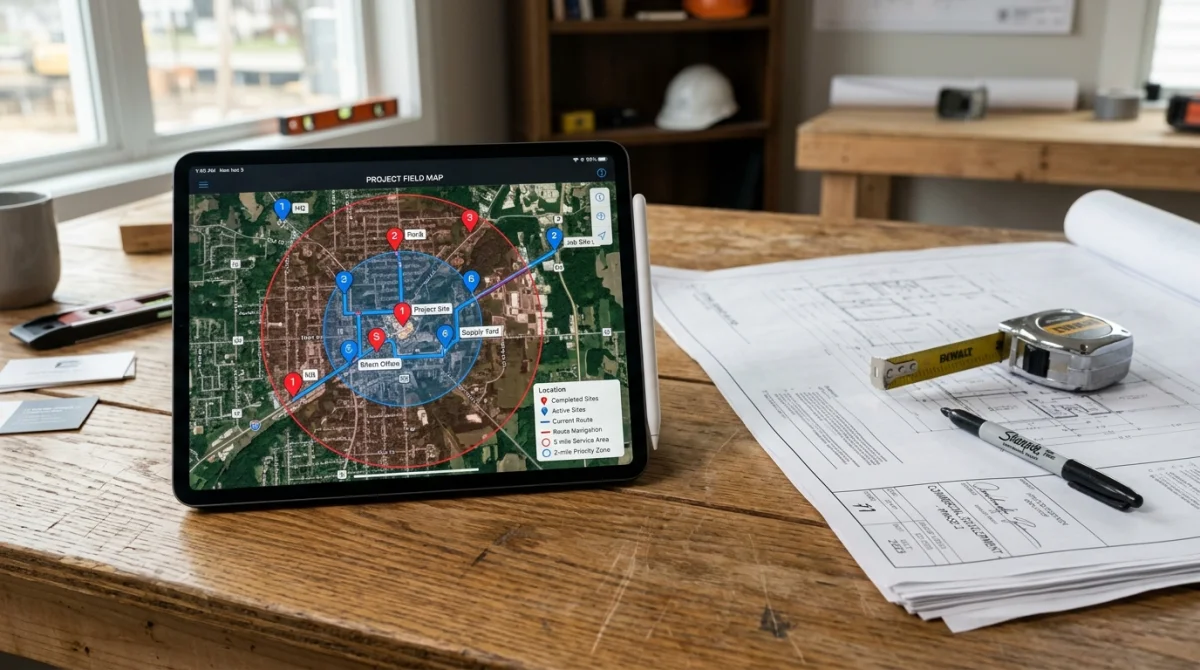
Proximity is a ranking factor. If the pin is wrong, you are competing in the wrong neighborhood. If the service area is “entire United States,” Google treats the listing as spammy, not ambitious.
Related: why you are not on Maps and GBP categories.
Moving a pin that is in the wrong place
- Open your Business Profile: search your business name on Google while signed in to the owner account, or open it in Google Maps.
- Choose Edit profile, go to Location, and edit the business location.
- Correct the address if it is wrong, then drag the map marker onto the actual building or yard entrance.
- Save. Google may review the edit, and an address change can trigger re-verification.
If you hide the address as a service-area business, customers never see the pin. Google still uses the address you entered for proximity, so it has to be the real base you work from.
Storefront vs service-area
Storefront is for a shop, yard, or office where customers can arrive. The pin should match that building.
Service-area business is for contractors who work at the customer’s house and do not want the home address public. You hide the address and set a real service area (cities or a radius you actually drive).
Do not mix them: a hidden address plus a pin on a relative’s driveway, or a storefront pin on a house you never open to the public.
Service area mistakes
- Drawing a 150-mile circle “to get more leads.” You will not rank in the middle of it, and Google may distrust the listing.
- Listing cities you cannot reach same-day.
- Leaving the area as a default that includes the next state because you once did a job there.
Set the area to where you want the phone to ring this quarter. Expand later with website pages for those cities, not a bigger circle.
The website has to agree
If the Business Profile says you serve two counties and the homepage says “nationwide emergency plumbing,” Google has two stories. Pick one for the listing. The marketing site for Certified Online Solutions LLC can say we work with contractors nationwide; your listing should say where you roll a truck.
We set this up as part of local SEO for trades across the US.