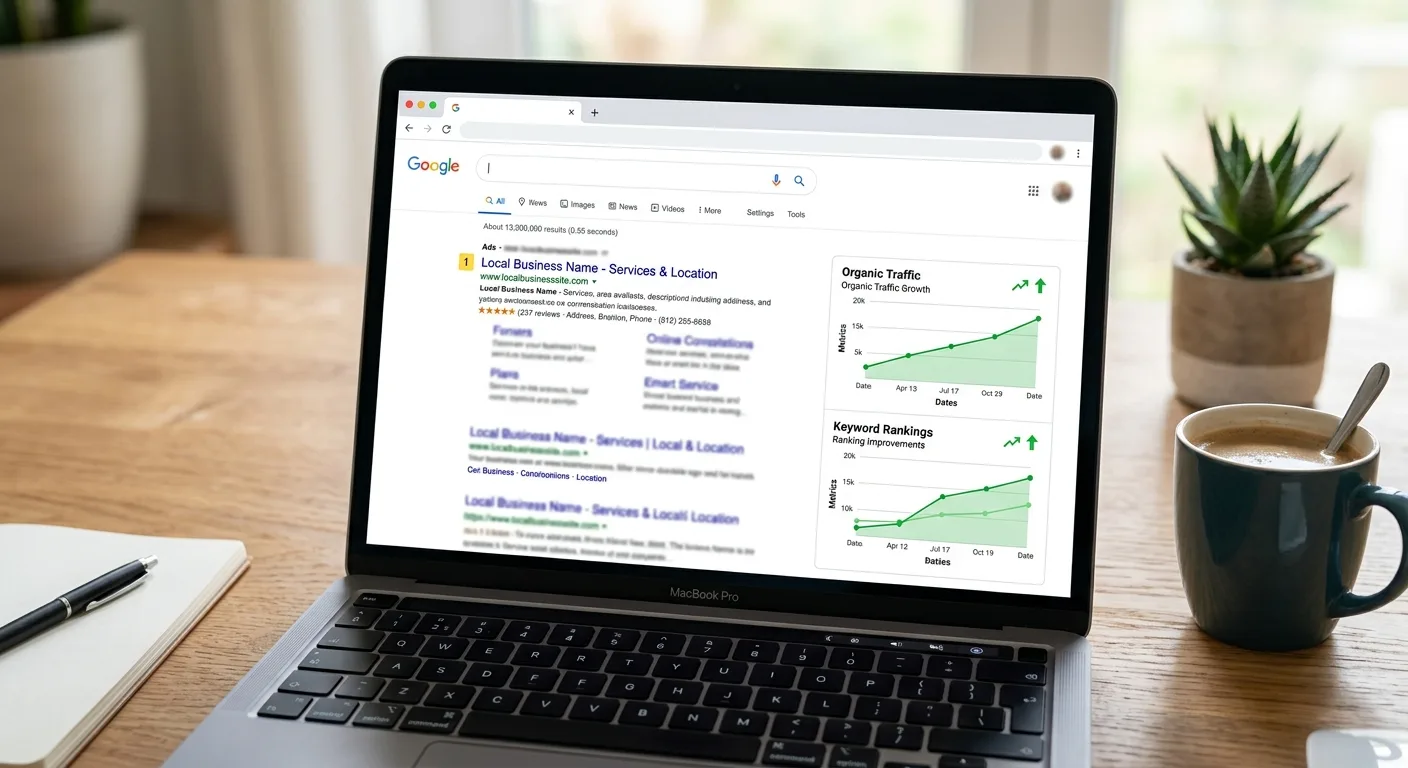
If you run a small business, you’ve probably been told you “need to be on Google.” Fair enough, but Google isn’t one thing. There are three separate tools that get lumped together and constantly confused: Google Search Console, Google Analytics, and Google Ads. They sound similar, they’re all free to start, and they do completely different jobs.
Here’s the plain-English version of what each one actually does, how they fit together, and which one to bother with first.
The quickest way to keep them straight:
- Search Console tells you how Google sees your site and how people find it for free.
- Analytics tells you what visitors do once they land on your site.
- Google Ads is how you pay to show up at the top of Google immediately.
Two of these are free forever. One of them spends your money. Let’s take them in order.
Google Search Console: How Google Sees Your Site
Google Search Console (GSC) is the closest thing you’ll get to a direct line into how Google understands your website. It’s free, and if you only set up one tool, this is the one.
It answers the questions every business owner actually asks:
- What searches am I showing up for? The Performance report shows every query that put your site in front of someone, along with how many times you appeared (impressions), how many people clicked, your click-through rate, and your average position in the results.
- Is Google even seeing my pages? The Page Indexing report tells you which pages Google has crawled and added to its index, and, more importantly, which pages it has excluded and why. A page that isn’t indexed can’t rank for anything.
- Is anything technically broken? GSC flags crawl errors, mobile usability problems, and Core Web Vitals issues (Google’s measure of how fast and stable your pages feel to a real visitor).
In 2026, Google added reports showing how often you appear inside AI Overviews and AI Mode, the AI-generated answers now sitting at the top of many searches, so you can see whether that new layer of search is sending you traffic too.
For a local business, Search Console is where you confirm the boring-but-critical stuff is working: your pages are indexed, you’re showing up for the searches that matter, and nothing is quietly broken. It pairs naturally with SEO optimization. GSC is how you measure whether that work is paying off. If you’re not appearing for searches you should own, it’s also the first place to diagnose why your business isn’t showing up.
Google Analytics: What Visitors Do Once They Arrive
If Search Console is about how people find you, Google Analytics (now “GA4,” the fourth version) is about what they do after they land on your site.
Analytics answers a different set of questions:
- Where is my traffic coming from? Google search, social media, a link from another site, or people typing your name directly.
- What are people looking at? Which pages get visited, which get ignored, and where people leave.
- Are visitors actually doing what I want? GA4 lets you mark any meaningful action (a contact-form submission, a phone-number tap, a quote request) as a “conversion” and count how many you get.
The big shift in GA4 is that it tracks events instead of just page views. Every click, scroll, video play, or form submission is an event you can measure. The old “bounce rate” has been replaced by engagement rate, the share of visits where someone actually stuck around (10+ seconds, viewed multiple pages, or converted) rather than bouncing off instantly. That’s a far more honest read on whether your site is doing its job.
For most small businesses, you don’t need to live inside Analytics. You need it answering one question: is my website turning visitors into leads, and where are those leads coming from? That’s why a properly built site has analytics and conversion tracking wired in from day one. It’s part of every web design project we do, not an afterthought.
Google Ads: Paying to Skip the Line
Search Console and Analytics are about your free (“organic”) presence on Google. Google Ads is the opposite. It’s how you pay to appear at the top of search results right now, instead of waiting months for SEO to build.
Here’s the mechanic: Google Ads runs on a pay-per-click (PPC) model. You bid to show your ad to people based on what they’re searching for, and you only pay when someone actually clicks. Behind every search is a lightning-fast auction. If you win it, your ad shows; if the searcher clicks, you pay an amount determined by that auction. Showing up costs nothing; the click is what you pay for.
There are several campaign types, but two matter most for local businesses:
- Search campaigns: the text ads at the very top of Google’s results when someone searches “emergency plumber near me” or “tax accountant in Frederick.” These are the bread and butter for service businesses, because you’re reaching people at the exact moment they want what you sell.
- Performance Max: Google’s AI-driven campaign that takes your budget, your goal, and a handful of images and headlines, then spreads your ads automatically across Search, Maps, YouTube, Gmail, and Display. By early 2026 it drives a large share of all Google Ads conversions, and it leans heavily on Google’s automation rather than manual control.
That automation theme runs through all of Google Ads in 2026: the platform increasingly makes the bidding and placement decisions itself. Your job is less about micromanaging keywords and bids, and more about feeding it good data: clear goals, accurate conversion tracking, and a landing page that actually converts. (Which, not coincidentally, is why Analytics matters before you spend a dollar on Ads.)
The honest caveat: Google Ads works, but it’s the one tool here that stops the moment you stop paying. Turn off the budget and the traffic disappears. SEO and a strong local presence build an asset you keep; Ads rent attention for as long as you fund them. The two work best together. Ads for immediate visibility while SEO compounds over time.
How the Three Fit Together
Think of it as a pipeline:
- Google Ads (paid) and SEO (free, measured in Search Console) both bring people to your site.
- Search Console shows you which free searches are working and whether Google can see your pages properly.
- Google Analytics shows you what those visitors do once they arrive, and whether they turn into actual leads.
You don’t need all three on day one. For most local businesses, the right order is:
- Set up Search Console first. It’s free, it confirms Google can find you, and it tells you what you already rank for.
- Add Analytics so you can see whether your site converts visitors into inquiries.
- Consider Google Ads once your site is genuinely converting. Paying for clicks to a page that doesn’t turn visitors into leads just wastes money faster.
Getting It Set Up Right
All three tools are powerful, and all three are easy to set up badly: verifying the wrong property, tracking the wrong conversions, or pointing ad spend at a page that doesn’t convert. The tools are free; using them well is the part that actually moves the needle.
If you’d rather have this done properly than spend a weekend in Google’s help docs, that’s exactly the kind of thing we handle. Whether it’s a new website built to convert, SEO that earns free traffic, or just getting your tracking set up correctly, reach out for a free consultation. We’ll look at what you’ve got and tell you straight what’s worth doing first.